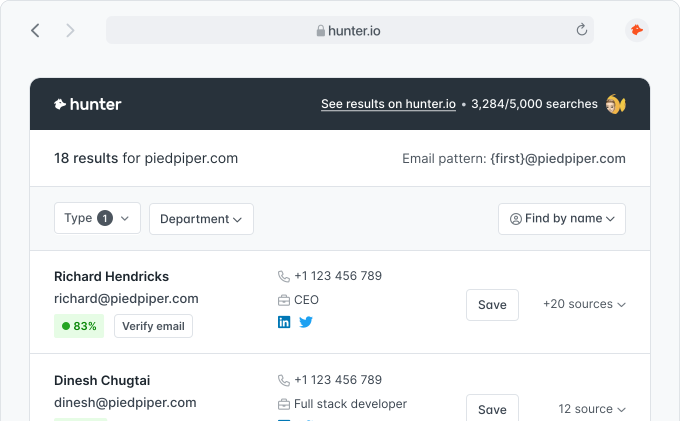
Identify inbound leads
An email lands in your inbox and you want to know who sent it before you reply.
 4.6 on Capterra
 4.4 on G2




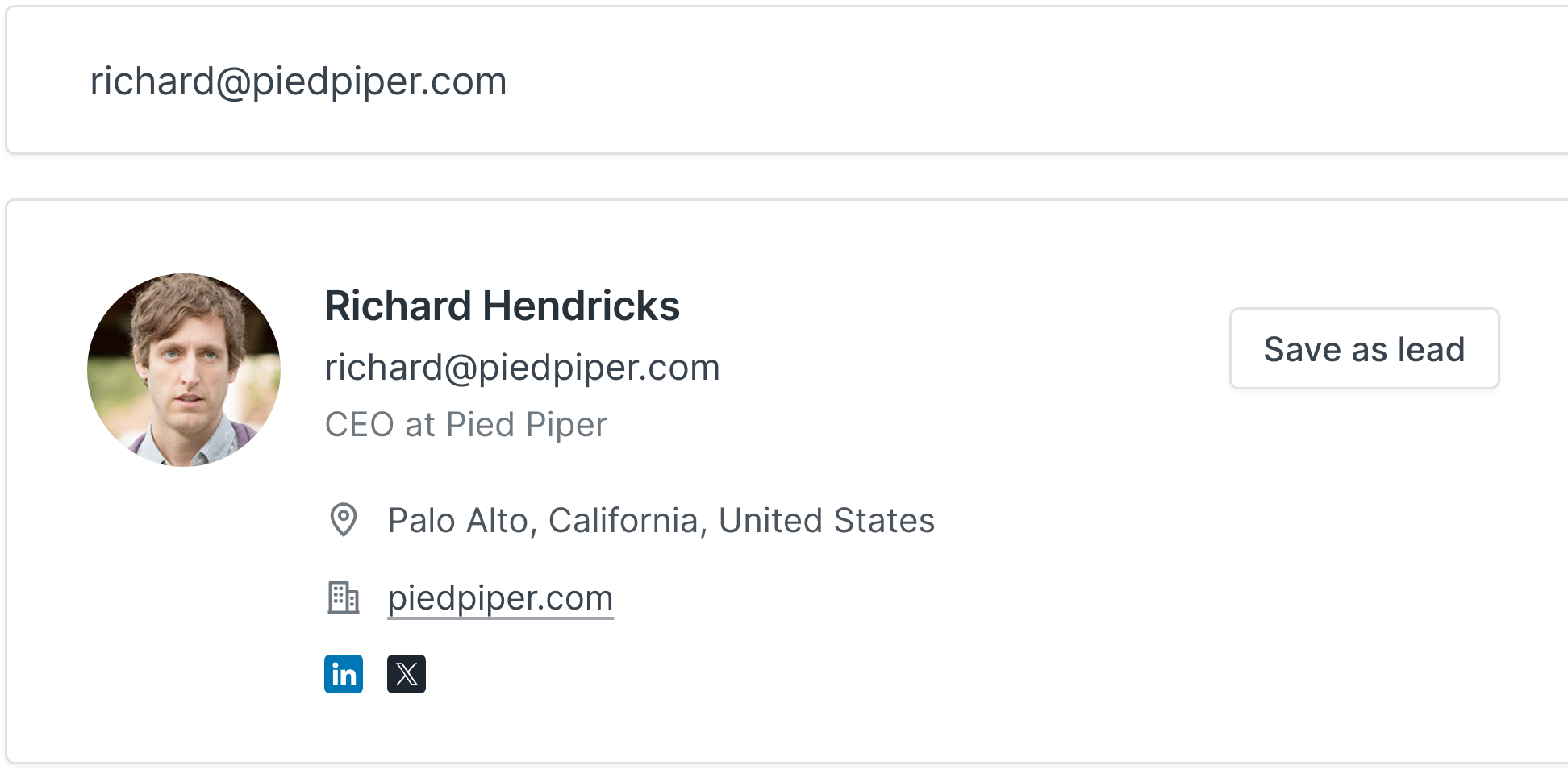
Paste any professional email address into the search box to look up its owner, or look up addresses from your own product with the Person Enrichment API.
Hunter cross-references the address against its database of more than one hundred million professional email addresses and public web sources to find who it belongs to.
You get the owner's name, job title, company, location, and social profiles on networks like LinkedIn and X.
Whenever an address makes you ask “whose email is this?”, a reverse email lookup tells you who it belongs to before you reply, reach out, or sync it to your CRM.
An email lands in your inbox and you want to know who sent it before you reply.
Confirm a contact's role and company before you spend time on outreach.
Append names, titles, and companies to records that only have an email address.
Check that an address belongs to the person or company it claims to.
Teams use Hunter to put a name, job title,
and company behind the email addresses they work with.
“Hunter gives us an opportunity to really identify those people and verify further… narrowing down based on technology, by specific job title, by employee size, to find which the most relevant leads are.”


With Hunter, you don’t have to choose between high-quality data and compliance. We source our data transparently and help you comply with data protection regulations.
Discover our principles
If you can't find the answer to your question here, visit the dedicated section in our Help Center.
Visit the Help CenterA reverse email lookup, also called a reverse email search, takes an email address as input and returns information about the person behind it: their full name, job title, company, location, and public social profiles. It is the inverse of an Email Finder, which starts with a name and returns an email address.
Hunter cross-references the email address against its database of professional contacts and public web sources. When we have data on the address, we return the person's name, position, employer, location, and links to their social profiles.
A successful lookup returns the person's full name, job title, company and company domain, location, and public social profiles such as LinkedIn and X.
Run an email owner lookup: paste the address in the search box above and Hunter shows who the email belongs to, with their job title, company, and public profiles.
If there is no result, you can still trace the email address to its owner by hand:
For professional email addresses, every result is built from sources Hunter found publicly on the web, and data that no longer has a public source is removed after six months. The most common gap is a recent job change: if someone just moved to a new role, the result can show their previous title or company until new public sources appear.
Results for personal addresses such as Gmail are much more limited, because they are rarely tied to public professional data.
Yes. You can run up to 5 reverse email lookups a day, 15 a month, right on this page, with no signup or credit card. This allowance is shared with Hunter's other free demos on the site.
For more, create a free account: the Free plan includes 50 credits every month. If you need more, check the pricing.
Yes. Looking up the professional information linked to an email address is legal, as long as the data comes from public sources. Hunter only returns information found publicly on the web, and our data is GDPR and CCPA compliant.
What you do with the result is what matters: if you contact the person, the usual rules still apply, such as GDPR in the EU and CAN-SPAM in the US. Anyone can view, edit, or remove the data Hunter holds about them by claiming their email address.
No. Hunter doesn't notify the person behind an email address when you run a reverse email lookup.
It helps. If a message claims to come from someone at a company, look up the sender's address: the result shows who it actually belongs to, so you can check the name, role, and company against what the email says. A mismatch is a red flag. No result isn't proof either way, since many legitimate addresses have no public professional footprint.
Security teams use reverse email lookups the same way in OSINT (open-source intelligence) research, because every result comes from public sources.
The Reverse Email Lookup is built for professional email addresses tied to a company domain. Personal webmail addresses such as Gmail are rarely linked to public professional data, so results for them are limited. If you have the person's name instead, try the Email Finder.
Yes, and you can find someone by email for free right on this page. That's exactly what a reverse email lookup does: you start with an email address and get the person behind it. It's easy to mix up with finding someone's email address, which works the other way round: you start with a name and company, and the Email Finder returns their address.
Use the Reverse Email Lookup when an address lands in your inbox and you want to know who it belongs to, and the Email Finder when you know who you want to reach.
Yes, with the Person Enrichment API, so you can find people by email at scale. Send each email address to the API and get back the same data you see here: name, job title, company, location, and social profiles. It's the same lookup, built into your own product, CRM, or spreadsheet workflow.
If we have no data on an address, it is usually because the address is not tied to a publicly listed professional, or the person has changed roles or companies. You can try the Email Finder with the person's name instead.
More than 7,000,000 professionals use Hunter to build more connections and grow their business.