Enter a domain
Type the domain of any website, for example techcrunch.com. You can also paste a full URL or an email address.
 4.6 on Capterra
 4.4 on G2
Enter any website and Hunter answers “what CMS is this?” from the traces each technology leaves, then shows you who runs it.
Type the domain of any website, for example techcrunch.com. You can also paste a full URL or an email address.
Hunter crawls websites and records the files, scripts, tags, and headers each technology leaves behind, with the date it found them.
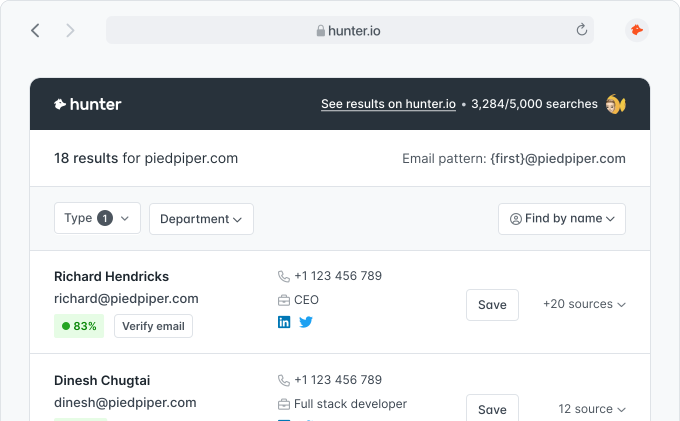
You get the content management system, the other technologies the website runs, and how many email addresses Hunter has for the company, by department.
The content management systems Hunter finds on the most websites. Open one to see the websites that use it.
Everything you need to know about detecting the CMS of a website with Hunter.
A CMS detector, or website CMS checker, answers the question “what CMS is this site using?”: it tells you which content management system a website is built on, such as WordPress, Webflow, or Drupal. Agencies, freelancers, and software vendors use a CMS checker to find websites that run the platform they work with.
Enter the domain of the website, for example techcrunch.com, and click Detect CMS. Hunter shows the content management system it detected, the date it detected it, and the other technologies of the website. Hunter finds them by crawling websites and reading the signatures each technology leaves in the pages: files, scripts, tags, and headers.
Hunter detects the major content management systems, such as WordPress, Webflow, Drupal, Wix, Squarespace, and Ghost, along with many smaller ones. Page builders, editors, themes, and plugins aren’t shown as the CMS: they appear in the website’s tech stack instead.
The CMS detector checks one website at a time. On a paid plan, the Company Enrichment API returns the technologies of a company from its domain, CMS included, so you can check a whole list of websites from your own code or tools.
Yes. You can check the CMS of any website without an account: up to 5 searches a day and 15 a month, shared with Hunter’s other free tools. A free account lets you open any website in the Domain Search to see the people who work there and their email addresses. The technology filter in Discover is part of the paid plans on the pricing page.
The tool shows the technologies Hunter already detected, so a website it hasn’t crawled yet gives no result. Some websites are built without a CMS, or hide the signatures that give it away. A very new website or a domain that only redirects can also give no result. Try the company’s main domain.
Yes. TechLookup lists the websites that use a technology, and on a paid plan Discover filters companies by technology, location, industry, and size.
More than 7,000,000 professionals use Hunter to build more connections and grow their business.