
Progressive Sending
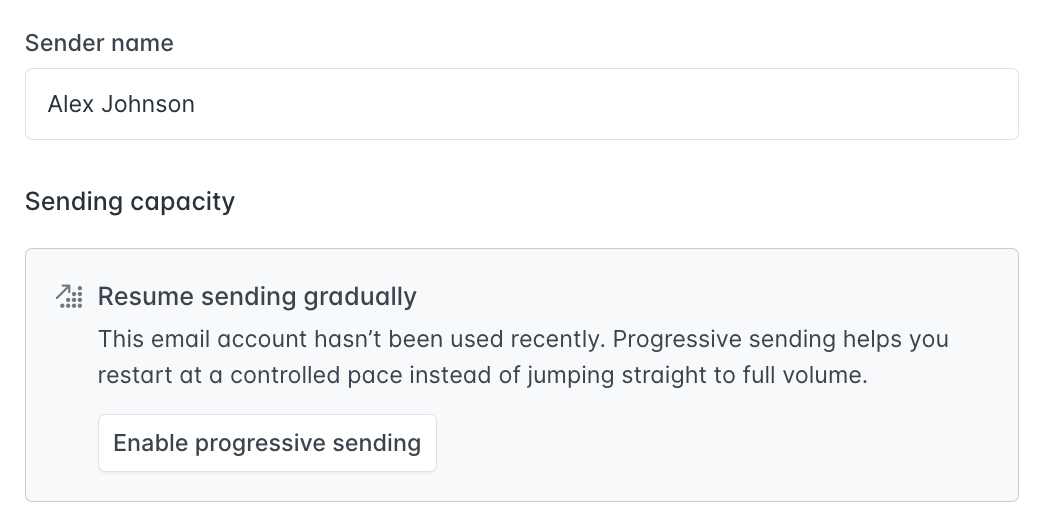
Starting a new inbox or restarting one after a period of inactivity? Sending too many emails too fast is one of the most common reasons emails land in spam. Progressive Sending is a new native feature that takes care of this for you.
When enabled, Hunter automatically and gradually increases how many emails your inbox can send per day in Sequences, until it reaches your target daily sending limit. No manual adjustments needed.
How it works
- Set a target daily sending limit for your inbox
- Hunter starts with a small number of emails per day and increases the volume progressively
- The limit only goes up when you've hit the previous day's cap and your bounce rate stays healthy
- Once the target is reached, Progressive Sending completes automatically
Example progression (target: 50 emails/day):
- Days 1–3: 2–3 emails/day
- Days 4–7: 3–10 emails/day
- Week 2: 10–25 emails/day
- Week 3+: gradual increase until 50/day is reached
What it's not
Progressive Sending is not an email warm-up tool. It doesn't send warm-up emails, build reputation through artificial activity, or monitor inbox health. It controls volume pacing: helping you avoid the sudden spikes that trigger spam filters.
Who can use it
Progressive Sending is available on all All-in-One Outreach plans (including free) for:
- Newly connected email accounts in Sequences
- Email accounts that haven't sent via Hunter for 30+ days
Active inboxes won't see the option: it's designed specifically for the ramp-up phase.
Why we built this
New inboxes are the most vulnerable to deliverability issues. Jumping from 0 to your full daily limit on day one is risky, email providers flag sudden volume increases as potential spam. Until now, managing this meant manually adjusting your sending limit every few days.
Progressive Sending removes that manual work and gives every new inbox a safer start.