
Manage all your sender accounts in one place, and know exactly how healthy your sending setup is.
Email Accounts Center
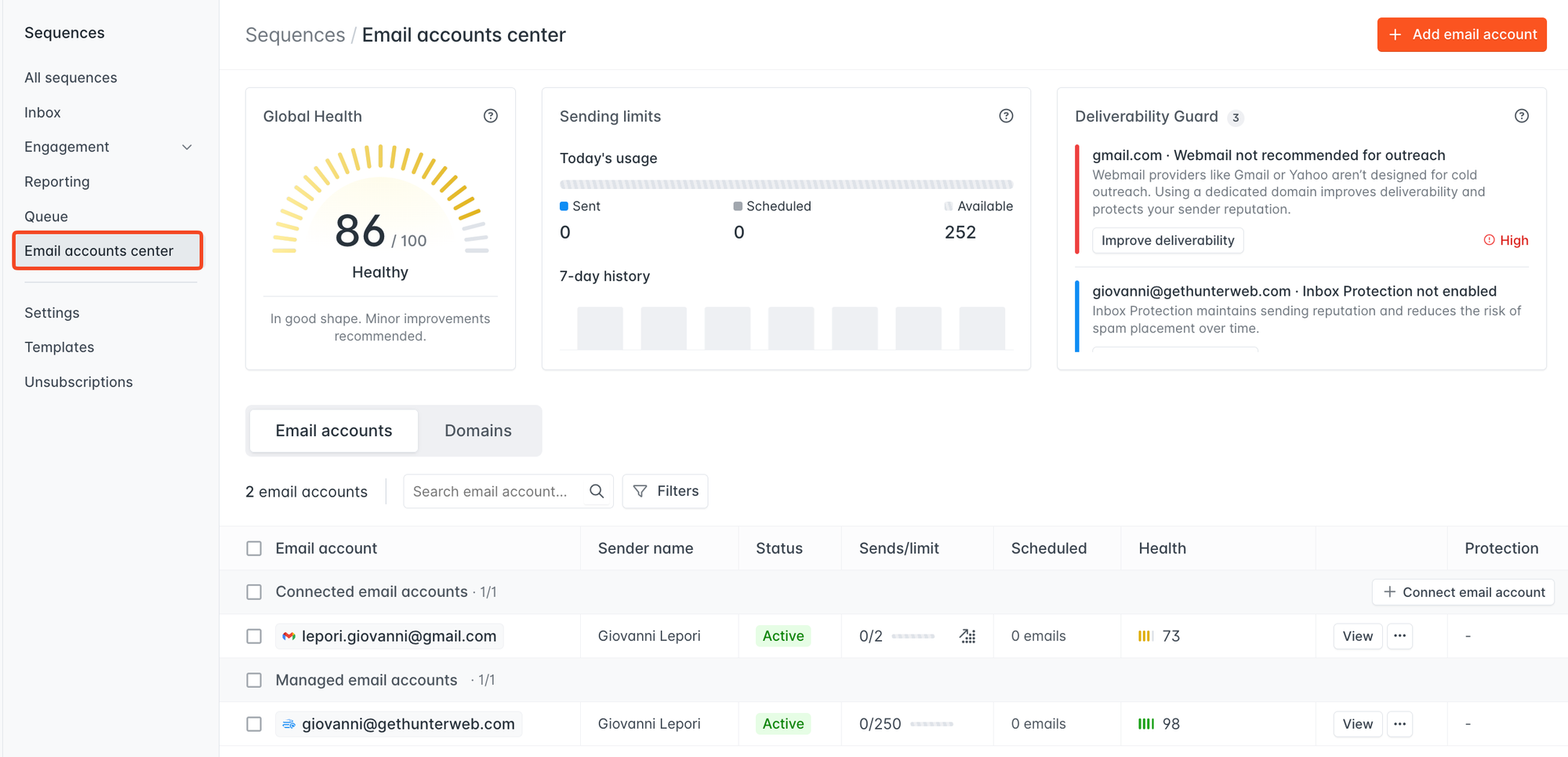
We've redesigned how you manage your connected sender accounts in Sequences. Everything now lives in the new Email Accounts Center, accessible directly from the Sequences navigation panel.
From one page, you can:
- See every connected account with its status, daily sending progress, scheduled emails, health score, and Inbox Protection status
- Filter and search across accounts by email address, status, or health
- Take bulk actions — run health checks, edit sending limits, update sender names, enable Inbox Protection, or disconnect accounts across multiple accounts at once
- Manage your domains from a dedicated Domains tab, with per-domain health scores and detailed reports
The overview bar at the top gives you an at-a-glance snapshot: your Global Health Score, overall sending limits, and any active Deliverability Guard warnings that need attention.
Global Health Score
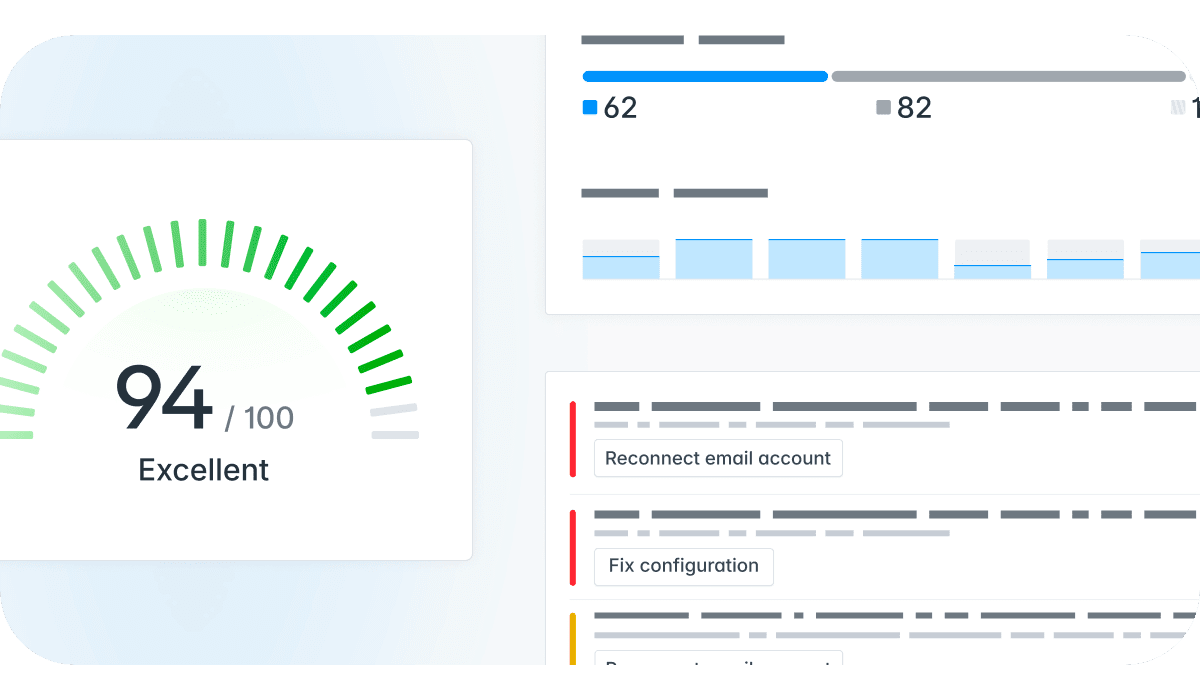
Also launching alongside the Email Accounts Center: Global Health, a score out of 100 that reflects the overall sending health of all your connected accounts.
The health report breaks down into three areas:
- Authentication — SPF, DKIM, and DMARC configuration
- Reputation — blacklist status, domain age, and website signals
- Email account — sending activity and inbox protection factors
Health checks run automatically when you connect a new account, and you can re-run them at any time directly from the table. If something fails, the report links you to the exact fix.
Global Health and Deliverability Guard are available on all paid All-in-one Outreach Platform plans.