
Find leads faster with an improved AI Assistant and stop seeing companies you've already saved.
Improved AI Assistant
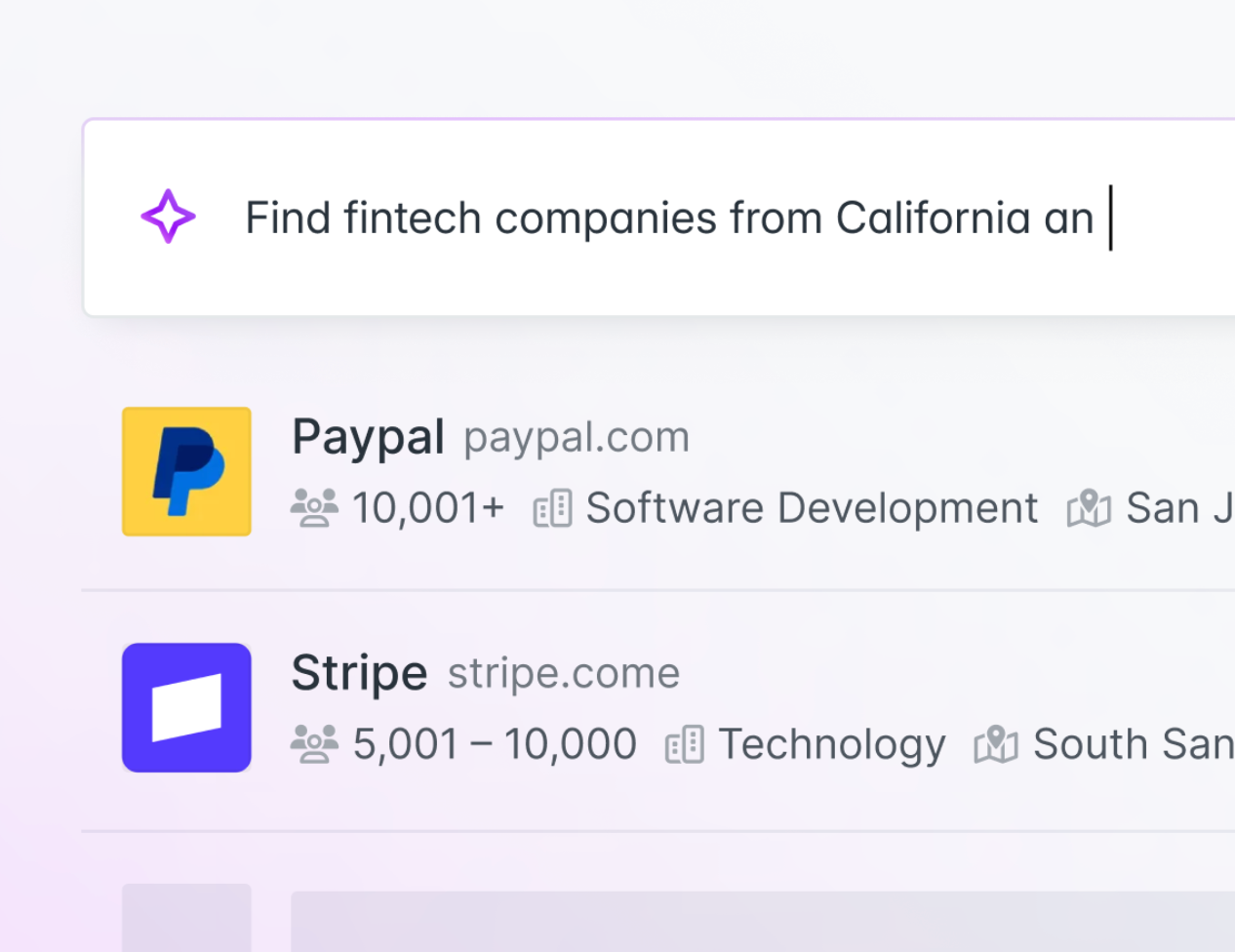
We've improved the AI Assistant in Discover to make it easier to go from a simple description to a ready-to-use lead list.
Type "sales managers at SaaS companies in Germany" and the Assistant sets the right filters, finds matching companies, and surfaces the contacts you need, no manual filter configuration required.
Here's what's improved:
- Describe your audience, skip the filters: tell the Assistant who you're looking for, or describe your own business, and it translates your words into a precise Discover search
- Go from companies to contacts: mention job titles in your search and the Assistant goes straight from company results to the people you need to reach
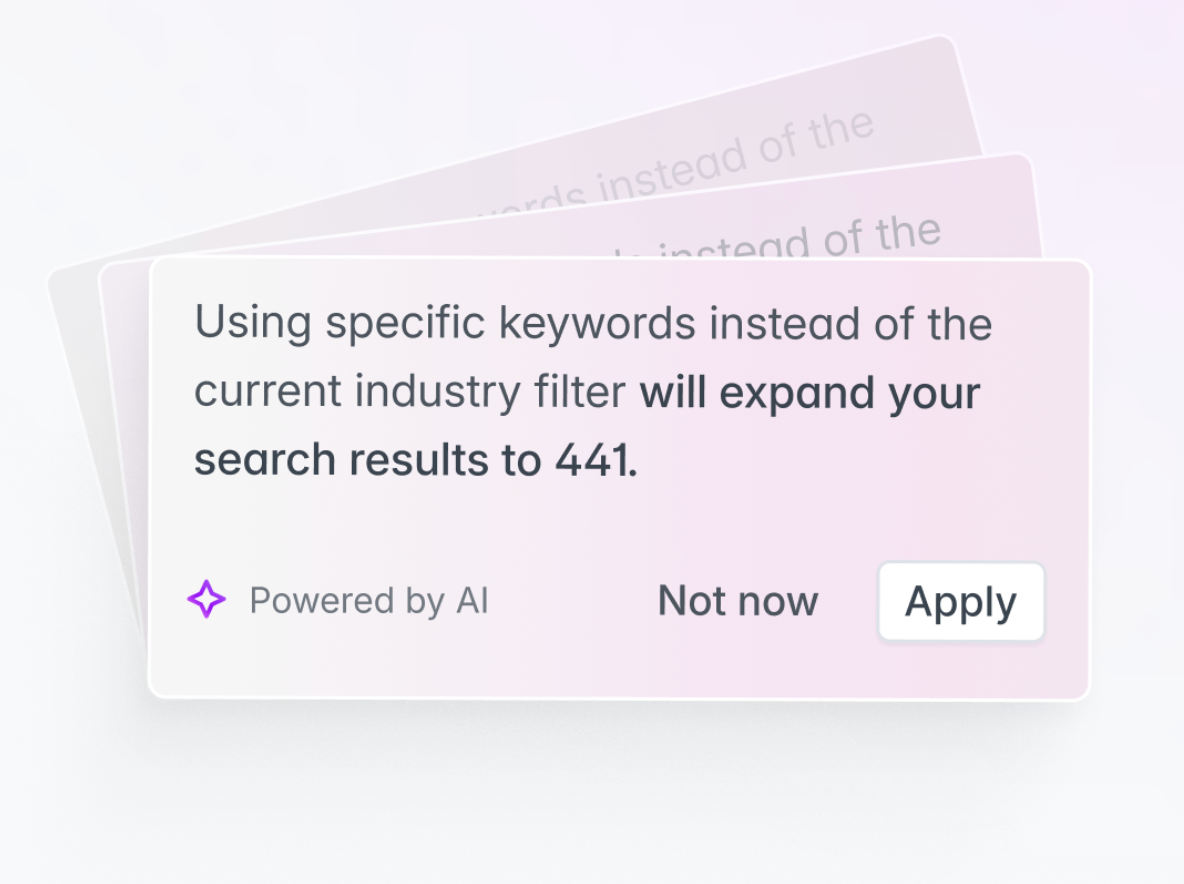
- Refine in one click: after every search, the Assistant analyzes your results and suggests how to improve them: narrowing a list that's too broad, expanding one that's too small, or sharpening targeting with filters like recent funding or specific job functions. Every suggestion is one click to apply.
Exclude saved companies from search results
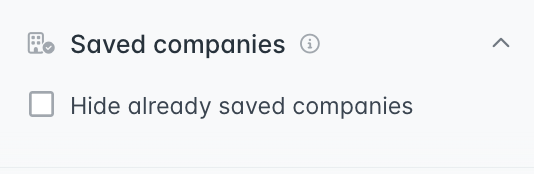
Also new in Discover: you can now filter out companies you've already saved to Leads. When this filter is active, companies that are already part of your saved leads won't appear in your search results.
This means you only see new opportunities: no more scrolling past companies you've already found or accidentally adding duplicates to your lists.
Example searches to try
Copy any of these directly into the AI Assistant:
- When you know your target: "Sales Managers at SaaS companies in Germany"
- When you know your offer: "I am a Founder of a small engineering company helping with waste management in the United Kingdom"
- When you want similar companies: "Show me companies similar to AMC"
However you think about your audience, the Assistant meets you there.